/categories/productivity
Productivity
Productivity software, spreadsheets, office workflows, and practical end-user tooling.
Featured videos
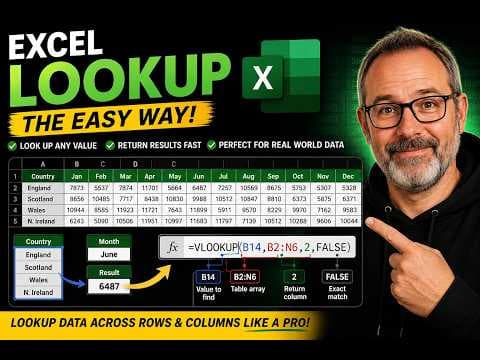
Excel VLOOKUP Explained Simply (The Only Guide You’ll Need)
If you’ve ever inherited a spreadsheet and wondered how people magically pull data from huge tables, this video is for you. In this step-by-step tutorial, I’ll show you exactly how the Excel VLOOKUP function works using...
MS Excel quick selection shortcuts
A quick tutorial on some handy shortcuts to quickly select ranges of data in Excel.
How to replace #N/A with something useful when using vlookup in excel.
Replace #N/A with something more useful. This short tutorial shows you how. http://www.simoncarr.co.uk
Conditional Formatting in Excel 2003
This screen cast shows how to use Conditional formatting in Excel 2003. It shows the use of both Cell Values and Formulas test for true or false. http://www.simoncarr.co.uk
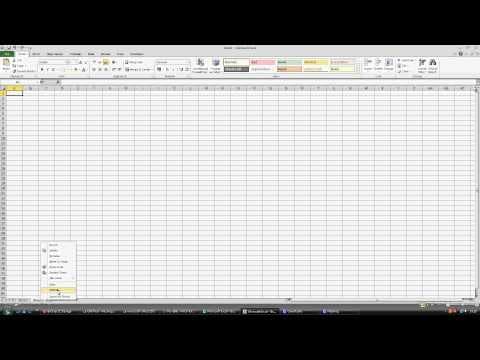
unhide sheet in Excel 2010
This short screen cast shows you how to Unhide a hidden sheet in Excel 2010. You can see more tutorials and screen casts at http://www.simoncarr.co.uk
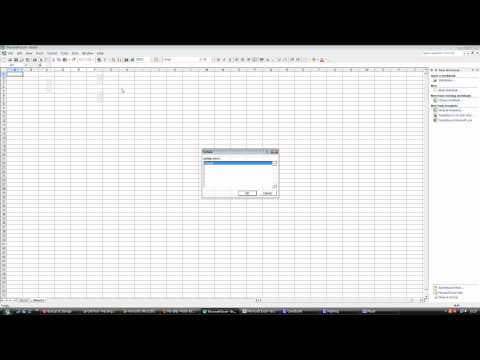
unhide sheet in excel 2003
This short screen cast shows you how to Unhide a hidden sheet in Excel 2003. You can see more tutorials and screen casts at http://www.simoncarr.co.uk
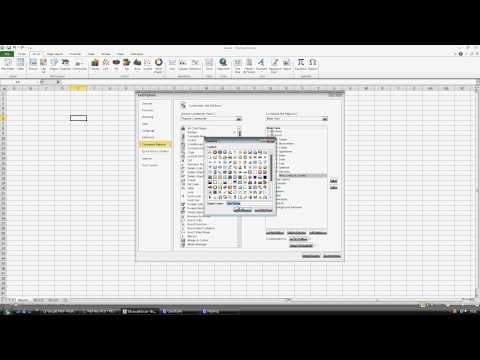
Excel 2010 - Adding Name Manager to the Ribbon
This short Screen Cast will show you how to add the Name Range Manager to the Toolbar Ribbon in Excel 2010. You can view more videos at http://www.simoncarr.co.uk
How to open an Excel File Read Only.avi
This short screen cast shows you how to open an Excel File in Read Only Mode. Get more tutorials at http://www.simoncarr.co.uk
Excel 2010 User Defined Functions.avi
This video shows you how to Record a User Defined Function in Excel 2010. You can find more Excel Tutorials at http://www.simoncarr.co.uk
How to enabled the developer tab in excel 2010
Visit: http://www.simoncarr.co.uk This short video will show you how to enabled the Developer tab in Excel 2010 and access the Visual Basic Editor. For more excel hints and tips visit