/news/clamav-gui-makes-linux-malware-scans-easier-to-run-1867f938
ClamAV GUI Makes Linux Malware Scans Easier to Run
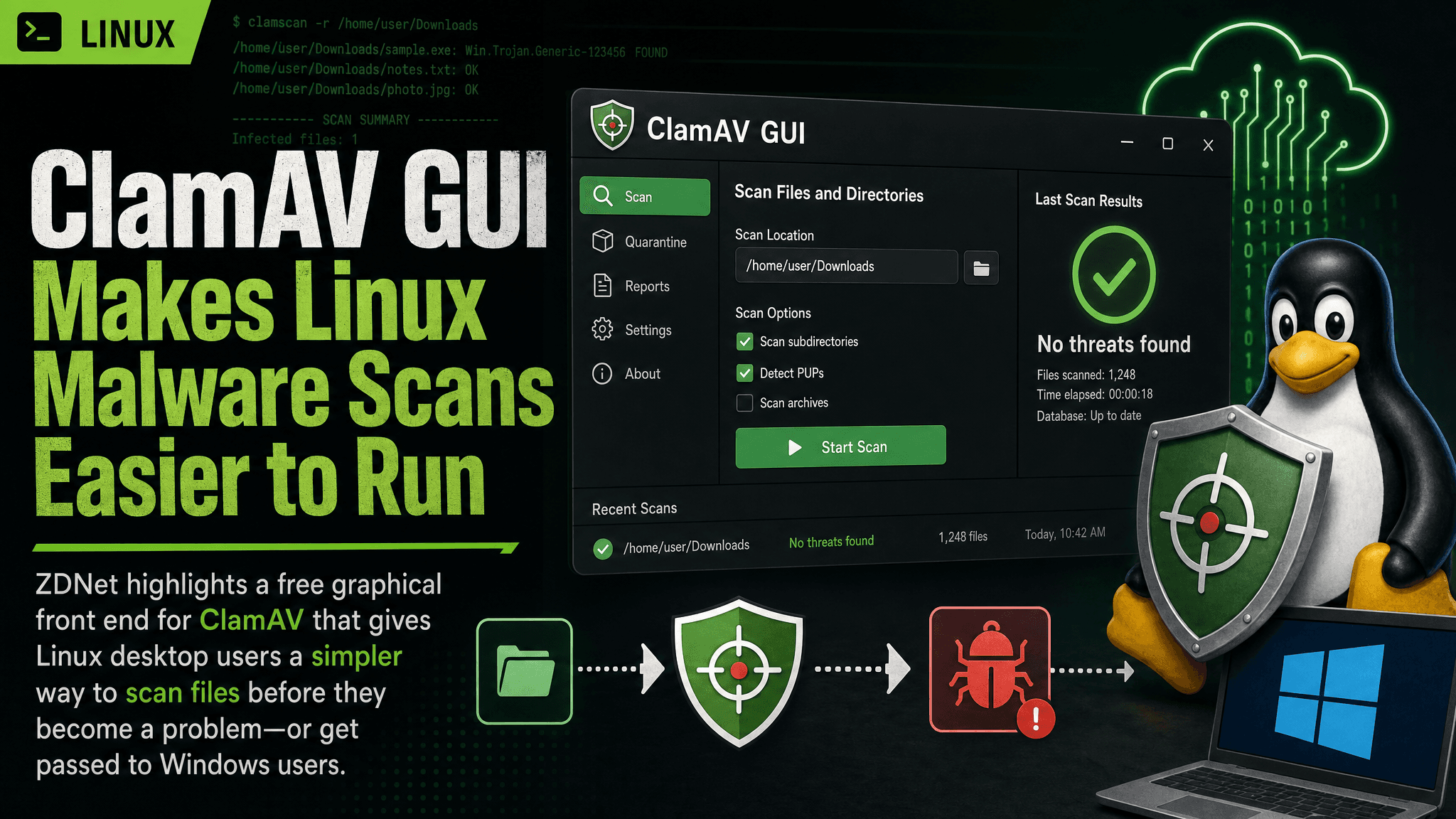
ZDNet highlights a free graphical front end for ClamAV that gives Linux desktop users a simpler way to scan files before they become a problem—or get passed to Windows users.
Linux desktop users rarely need the kind of always-on antivirus workflow common on Windows, but that does not make file scanning irrelevant. A downloaded archive, a USB drive from another machine, or a document headed for a Windows colleague can still carry something nobody wants to distribute.
ZDNet’s latest look at a ClamAV graphical interface makes the practical case for keeping a simple, free scanner within reach. The story is not that Linux suddenly needs a heavy endpoint-security stack. It is that a GUI can remove enough friction from ClamAV to make occasional, deliberate scans realistic for people who do not want to manage antivirus work entirely from a terminal.
A desktop-friendly front end for ClamAV
ClamAV is the scanning engine behind the workflow discussed by ZDNet. The important change here is usability: instead of treating malware scanning as a command-line task, the graphical tool presents it as an application that can be opened when there is a folder, file set, or removable drive worth checking.
That matters because security tools only help when people use them. A terminal-based scanner can be perfectly capable while still being skipped during ordinary desktop work. A GUI makes the intent clearer: choose what needs inspection, run the scan, review what was found, and decide what to do next.
For a Linux workstation, that is often a more fitting model than permanent background scanning. The useful moments tend to be specific:
- checking files received from outside the organization;
- scanning downloads before extracting or forwarding them;
- inspecting removable media;
- reviewing a directory that will be shared with Windows systems; and
- performing a periodic check on a machine that handles a lot of untrusted files.
ZDNet specifically points to the value of scanning files that may be shared with Windows users. That is a sensible use case even where the local Linux system is not the main target. A Linux desktop can be a transit point for files, and a scan can catch known threats before they move further through a team or family network.
The useful security boundary is file handling
It is easy to frame antivirus as a binary question: either a Linux PC is secure without it or it needs a full commercial security suite. That framing is not especially helpful.
The more practical question is where untrusted content enters the system and where it goes next. Engineers and desktop users routinely handle archives, installers, scripts, office documents, disk images, code samples, and attachments from sources they do not fully control. A scanner is one layer for that boundary.
A ClamAV GUI is therefore most useful when it supports a repeatable habit rather than an unrealistic promise of total protection. Scan the incoming directory. Scan the USB drive. Scan the files before sending them onward. If a detection appears, stop treating the file as routine and investigate its origin, hashes, and intended recipients before taking further action.
That is a much more defensible workflow than assuming a clean scan proves a file is safe. Malware detection depends on what the scanner knows how to recognize, and no signature-based tool can guarantee that every harmful file will be identified. The value is in reducing obvious and known risk with little operational overhead.
Why the GUI angle matters
For experienced Linux users, command-line tools are often preferable for automation and repeatability. But the story ZDNet is highlighting is not about replacing scripted scanning in a CI pipeline or a mail gateway. It is about making a desktop scan straightforward.
A graphical front end can also help in environments where the person receiving files is not the person maintaining the system. A shared workstation, home Linux PC, or developer laptop does not need a security runbook every time someone wants to inspect a download. A visible interface lowers the chance that the task gets deferred because the syntax is forgotten or the command feels unfamiliar.
That convenience has limits. Teams that need evidence trails, scheduled jobs, centralized reporting, automated quarantine policies, or scans integrated into upload paths will still need to design those controls separately. A desktop GUI is not a substitute for an organizational malware-handling process.
Still, those are different jobs. For a single Linux PC, a free scanner that is easy to open and aim at a suspicious directory can be the right-sized tool.
Keep expectations and maintenance realistic
The main operational requirement is to treat the scanner as a maintained utility, not a one-time installation. A malware scanner is only as useful as the detection data available when a scan runs. Users should make sure its signatures are current before relying on a result, particularly when checking a recent download or a file received from an external party.
It is also worth separating malware scanning from basic Linux hygiene. A graphical ClamAV workflow does not replace timely operating-system updates, sensible privilege boundaries, careful repository choices, backups, or review of scripts before execution. It should not be used as a reason to run unknown code just because a scan returned no detection.
Conversely, Linux users should not dismiss it because it cannot solve every security problem. File scanning is a narrow control, but narrow controls can be valuable when they address a real path by which unwanted content enters or leaves a machine.
What this means in practice
ZDNet’s recommendation is useful because it focuses on the low-friction end of the problem. For Linux users who occasionally need to inspect downloads, removable media, or files headed to Windows systems, a free ClamAV GUI offers an accessible on-demand checkpoint. Use it as a quick screening layer at file-sharing boundaries, keep its detections current, and retain normal patching and safe-execution practices. That combination is more realistic than either ignoring malware entirely or deploying far more security tooling than a desktop actually needs.
Comments
Sign in or create an account to leave a comment.
0 comments
No comments yet.