/news/rtl8723bs-work-remains-the-main-source-of-linux-7-3-staging-activity-da24c4d2
RTL8723BS Work Remains the Main Source of Linux 7.3 Staging Activity
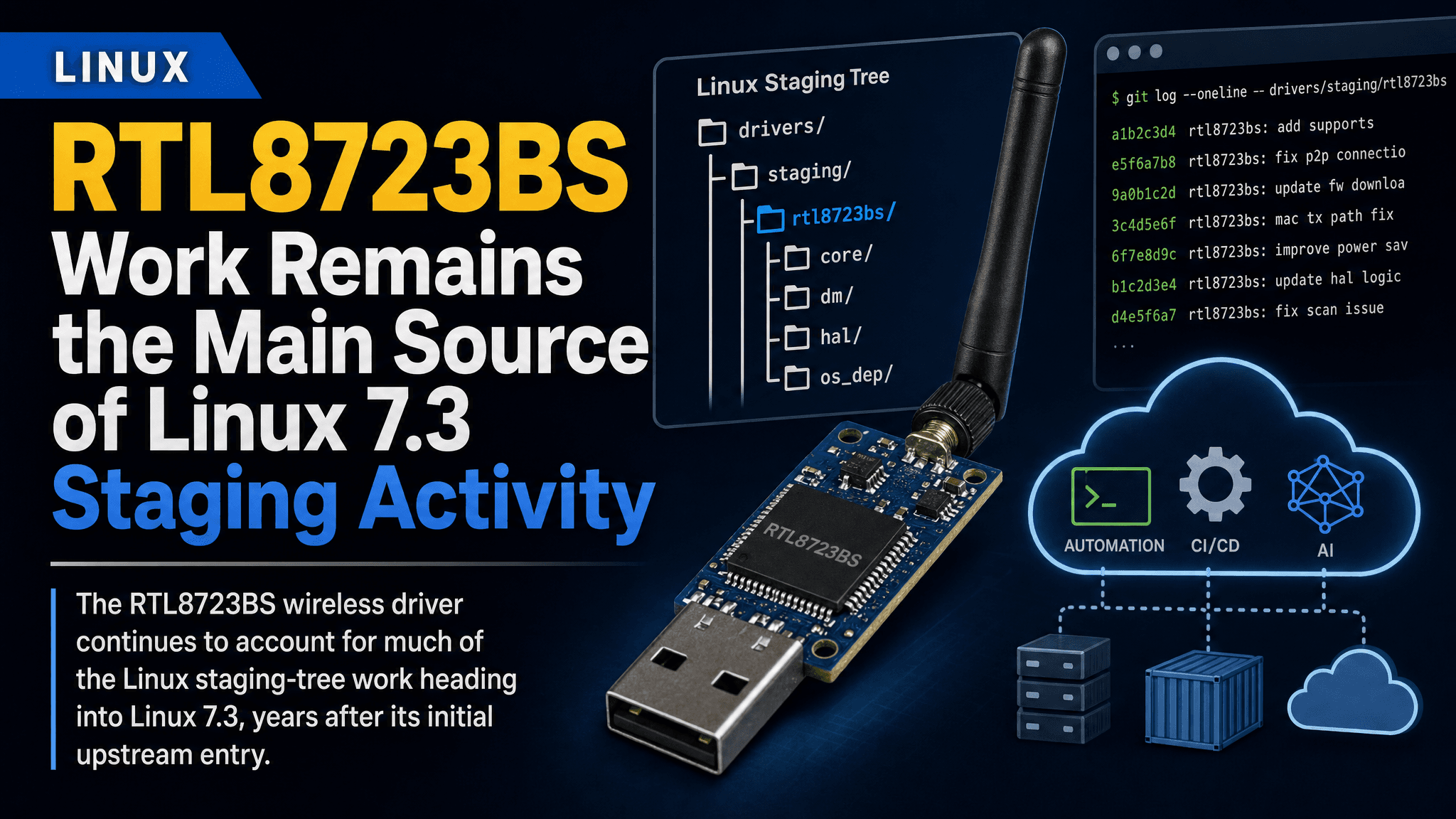
The RTL8723BS wireless driver continues to account for much of the Linux staging-tree work heading into Linux 7.3, years after its initial upstream entry.
The Linux kernel’s staging area is still seeing disproportionate activity around one wireless driver: RTL8723BS. According to a Phoronix report tracking the Linux 7.3 staging pull, work on the Realtek RTL8723BS driver remains the dominant source of changes in that part of the kernel tree.
Staging drivers are expected to change. What stands out here is how long RTL8723BS has remained there. The driver first entered the upstream kernel with Linux 4.12 in 2017. Its prominence in Linux 7.3 staging activity shows that getting hardware support into the kernel and bringing that support up to normal subsystem standards are separate milestones.
What the staging tree signals
The kernel’s drivers/staging area holds code that is useful enough to ship but is not yet considered ready for its intended long-term kernel subsystem. Drivers there may need cleanup, better integration with established kernel interfaces, removal of vendor-style abstractions, or a clearer maintenance path.
For practical users, “in the kernel” does not necessarily mean “finished.” A staging driver can be built and distributed by a kernel configuration, but it has a different maintenance expectation from a driver in the normal wireless subsystem.
The RTL8723BS case makes that distinction visible. The device family is associated with low-cost systems that need combined wireless and Bluetooth connectivity, often in compact or embedded designs. When such hardware depends on a staging driver, distribution kernels and device builders need to pay closer attention to kernel configuration choices and regression testing than they would for a mature, fully integrated driver.
The Phoronix report does not establish that the Linux 7.3 work is a single sweeping redesign, and it does not say the driver is about to leave staging. It does establish that the driver accounts for the bulk of staging-area movement in this development cycle. RTL8723BS is therefore the component to watch when assessing changes in the staging tree.
Why long-lived staging drivers matter
A driver remaining in staging for years is not automatically unusable. Code can persist there because the cleanup required for promotion is substantial, maintainership is limited, or hardware-specific code must be reconciled with kernel subsystem conventions. Wireless drivers can be especially difficult because they sit between vendor firmware behavior, bus-specific transport code, power management, and Linux’s networking stack.
Long-lived staging status still has operational consequences.
Kernel maintainers may make structural changes to staging code. Downstream users who patch or package the driver may find their assumptions age quickly. Embedded vendors that selected the hardware because support was available in a particular kernel release should not treat that availability as a promise of a stable interface or a low-touch upgrade path.
For general-purpose Linux users, the practical risk is usually narrower. If a laptop, tablet, single-board system, or appliance uses RTL8723BS as its primary Wi-Fi path, kernel upgrades deserve normal wireless validation: association, reconnect behavior, suspend and resume, access-point roaming where relevant, and sustained traffic under power-saving conditions. Those checks are useful for any wireless chipset, but they carry more weight while the driver remains under staging development.
What to verify in real deployments
Teams maintaining images or fleets do not need to react to a staging pull by immediately pinning kernels. They should use it as a cue to make testing intentional.
First, confirm whether the deployed kernel enables the relevant staging driver at all. Kernel distributors differ in their configuration policies, and an upstream driver’s presence does not guarantee that every downstream build ships it. If the device depends on RTL8723BS, verify support in the exact kernel package and image being deployed rather than relying on upstream source-tree status.
Keep an older known-good kernel available during upgrades. This is basic operational hygiene for systems whose network adapter may be essential for remote recovery. It matters particularly for small devices with no practical wired fallback.
Test the behavior that matters to the workload. A development board that merely obtains a DHCP lease has passed a much weaker test than an unattended edge device that sleeps, reconnects after an access-point restart, transfers telemetry continuously, and performs over-the-air updates. The right test plan depends on the device, but it should cover failure modes that would make a wireless regression expensive.
During triage, separate kernel-driver issues from firmware and userspace configuration issues. Wireless failures can originate in any of those layers. Capturing the kernel version, loaded module, firmware files, boot logs, and a reproducible network scenario will make an upstream report more actionable than a generic statement that Wi-Fi stopped working after an update.
A useful maintenance signal
Linux 7.3 does not introduce a new RTL8723BS driver. This existing staging driver remains the center of gravity for current staging work. Its 2017 arrival in Linux 4.12 and continued activity in the Linux 7.3 cycle show how long hardware enablement can remain an active maintenance project.
Engineers with RTL8723BS-based hardware should treat this as a reason to test kernel updates carefully, retain a rollback route, and follow staging-driver changes when planning upgrades. For everyone else, it is a reminder that upstream inclusion begins the lifecycle; sustained cleanup and integration work turn hardware support into dependable long-term platform support.
Source: Phoronix, “RTL8723BS Driver Continues Dominating The Staging Area Activity For Linux 7.3”
Comments
Sign in or create an account to leave a comment.
0 comments
No comments yet.