/news/zdnet-highlights-stillos-for-its-linux-onboarding-experience-c5dde320
ZDNet Highlights stillOS for Its Linux Onboarding Experience
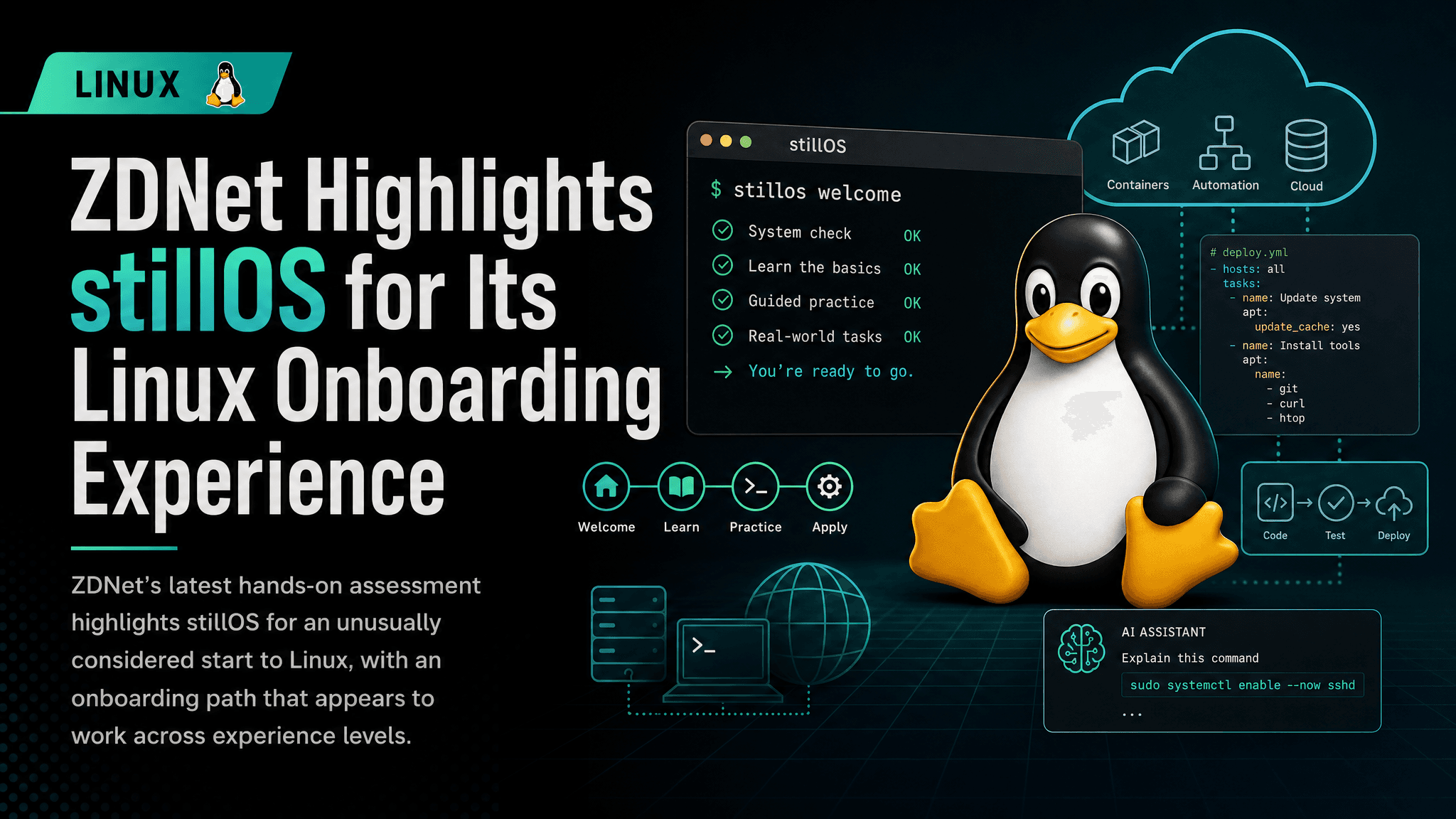
ZDNet’s latest hands-on assessment highlights stillOS for an unusually considered start to Linux, with an onboarding path that appears to work across experience levels.
ZDNet has highlighted stillOS for what it describes as one of the strongest Linux onboarding experiences it has encountered across many distributions.
In the Linux ecosystem, a successful installation is no longer the only measure. The harder part often starts after the installer closes: learning the desktop, locating expected tools, choosing what to configure, and handling behavior that is not immediately clear. ZDNet’s assessment is that stillOS handles those early interactions particularly well for people with varying levels of Linux experience.
Onboarding is part of the operating system experience
Linux distribution discussions often move quickly to package management, desktop environments, release models, or hardware support. Those details matter, particularly for engineers maintaining fleets or building reproducible workstations. They do not, however, fully explain whether a system feels approachable on first boot.
Onboarding is the path from a fresh installation to a machine that is useful for real work. It can include orientation, configuration prompts, documentation, system-tool discoverability, and sensible defaults. None is glamorous on its own. Together, they determine whether someone can understand the system well enough to continue without immediately searching forums or abandoning the installation.
ZDNet’s report emphasizes that stillOS gets the order of those early steps right. The source presents the experience as useful across user types, rather than solely as a beginner-focused distribution. That matters because streamlined setup can also help experienced Linux users, as long as it does not hide controls they may need later.
Why this matters beyond newcomers
For engineers, friction at the start of a workstation deployment is more than a usability issue. It can create operational costs.
A confusing first-run experience adds support load. On a small team, that can mean repeated questions about basic configuration. In a larger environment, it can produce more exceptions to document, more manual intervention, and greater variation among machines that should have started from the same baseline. When a distribution makes its initial state clear, it can limit that drift.
Simplifying a workflow is different from removing capability. Effective onboarding gives users a clear route through common decisions while retaining advanced configuration for when it is needed. The balance will vary by environment, whether the system is a developer laptop, educational lab, personal desktop, or tightly managed corporate endpoint.
The available source material does not provide enough detail to independently assess stillOS’s installer behavior, software selection, update policy, desktop stack, or administrative model. Those are still essential checks before adopting any distribution for production-adjacent work. ZDNet’s conclusion is a strong signal about the initial user experience, not a substitute for compatibility and lifecycle testing.
The overlooked value of a coherent first run
A polished onboarding path does not make Linux less technical. It helps the system communicate its technical choices when they matter.
That can be useful for people moving to Linux from another operating system. They may arrive with expectations shaped by familiar application stores, settings panels, account flows, and update notifications. A distribution need not imitate another platform, but its own conventions should be understandable.
The same holds for returning Linux users. Someone who has spent years with one distribution family may find a new desktop, packaging approach, or configuration layout disorienting despite being comfortable at a shell prompt. A well-designed introduction can shorten that adjustment without suggesting every distribution works alike.
ZDNet’s praise of stillOS also draws attention to a part of distribution design that can be overlooked when systems are judged only by feature lists. A feature may exist yet remain hard to find. Documentation can be comprehensive but arrive too late. Technically sound defaults may still leave users unsure what happened during setup.
What to verify before deploying it
Teams interested in stillOS should treat the reported onboarding quality as a reason to test, not as a complete adoption case. A short evaluation should answer practical questions that a first-impression review cannot cover:
- Does it boot and install reliably on the organization’s actual hardware?
- Are required development tools, VPN clients, endpoint controls, and identity integrations supported?
- How are system and application updates delivered, and can they be managed consistently?
- Is the project’s release cadence and support model compatible with the team’s maintenance expectations?
- Can the resulting configuration be documented or automated for repeatable deployments?
These are routine checks, but they determine whether a pleasant personal desktop trial becomes a manageable platform or an operational exception. Test upgrades and rollback paths as well as a clean installation. A smooth welcome screen helps; a recoverable update process remains essential.
What this means in practice
The news is not that stillOS is a new enterprise standard or a fit for every Linux workload. A major technology outlet found its introduction to Linux unusually effective after working with many distributions. For people choosing a first Linux desktop, or teams seeking to reduce avoidable workstation-setup friction, stillOS is worth putting on a test machine. Validate its onboarding on real hardware with required tooling, then determine whether that early clarity extends to long-term maintenance.
Comments
Sign in or create an account to leave a comment.
0 comments
No comments yet.